Nothing plays until you say yes.

A parent tool for the videos your child watches from YouTube.
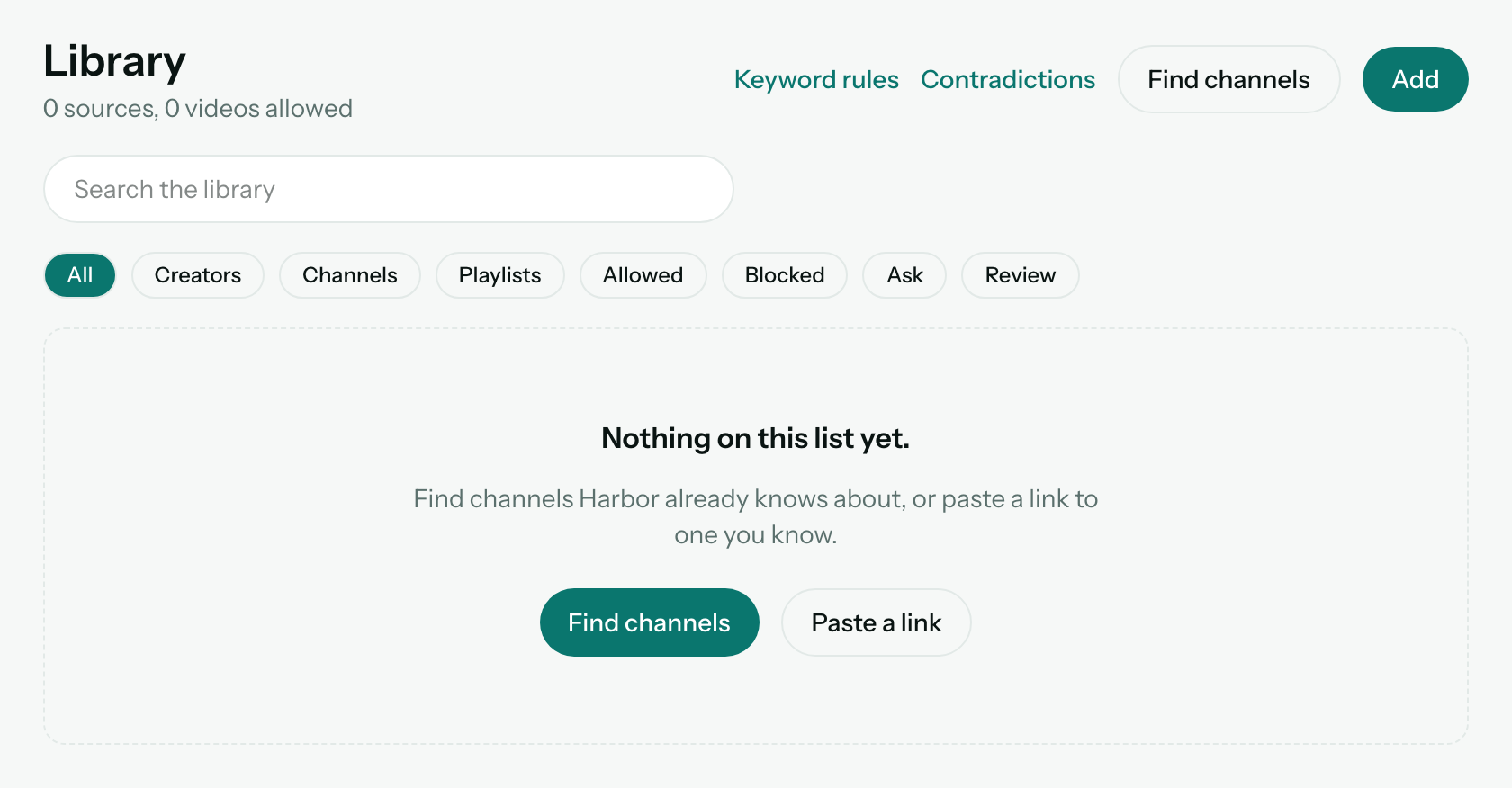
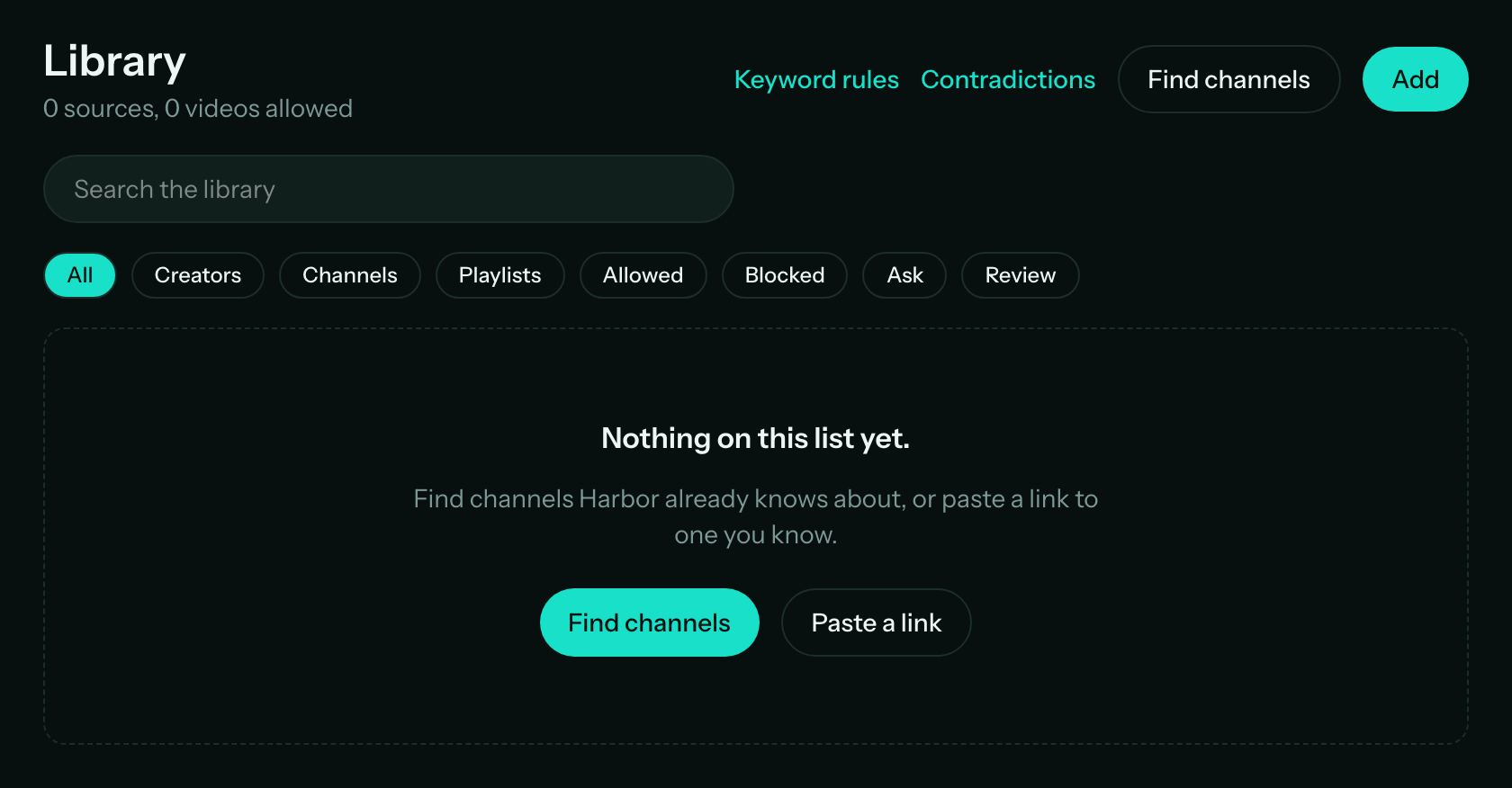
SlopGuard’s parent console showing a child’s Library: 0 sources, 0 videos allowed, and the message Nothing on this list yet, with buttons to find channels or paste a link. SlopGuard’s parent console showing a child’s Library: 0 sources, 0 videos allowed, and the message Nothing on this list yet, with buttons to find channels or paste a link.
A child’s list starts empty. You add the channels and videos you’re happy with.

What does a parent do?

  1. See every child at a glance

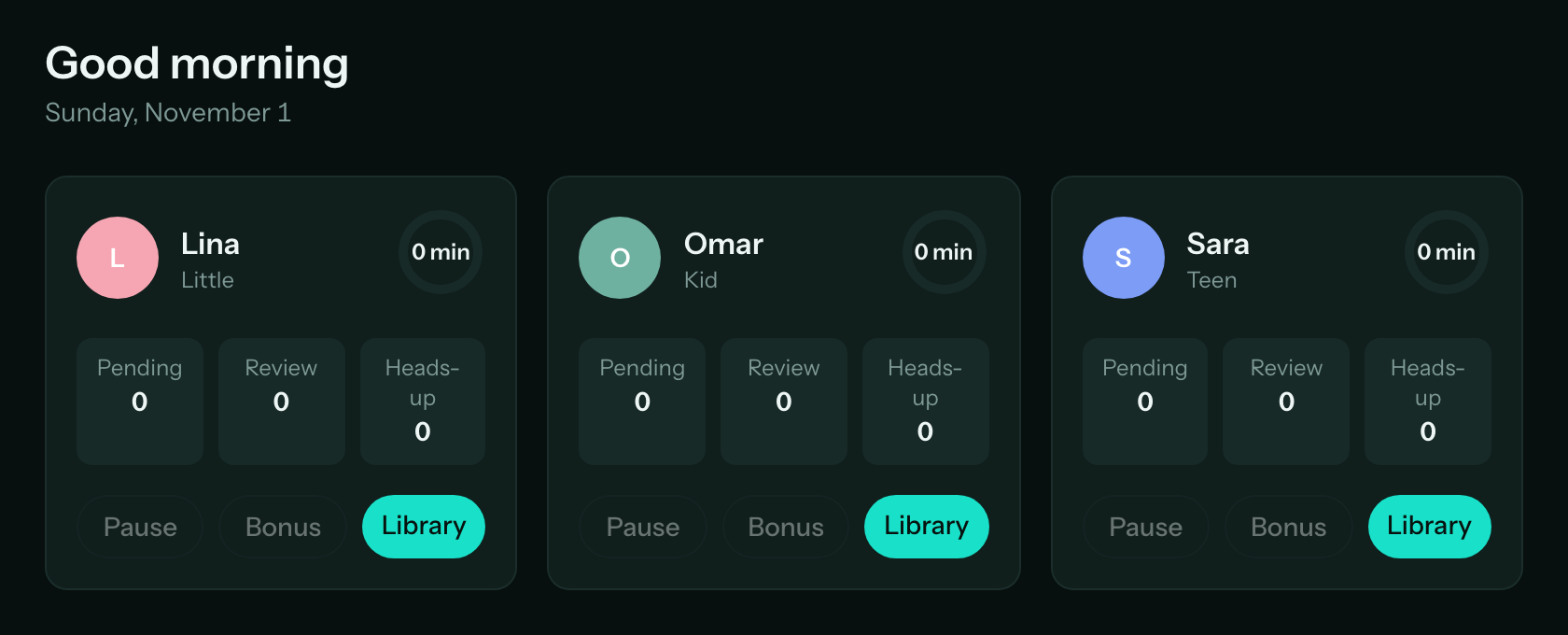
    One card per child: minutes watched today, anything waiting for you, and a pause.
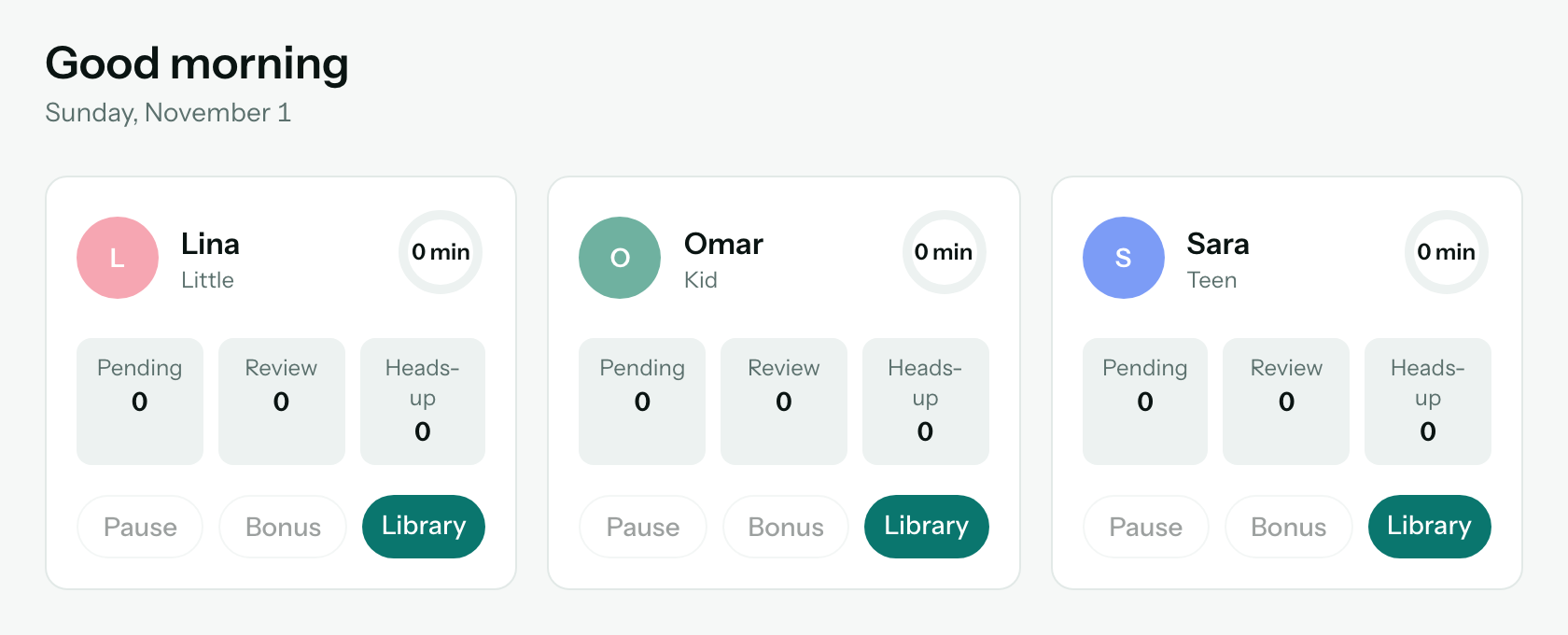
    The console dashboard with cards for Lina, Omar and Sara, each with pending, review and heads-up counts and Pause, Bonus and Library buttons. The console dashboard with cards for Lina, Omar and Sara, each with pending, review and heads-up counts and Pause, Bonus and Library buttons.
  2. Set daily minutes and bedtime

    Different minutes for each day of the week, a bedtime, and a pause for fifteen minutes, an hour, or until you lift it.
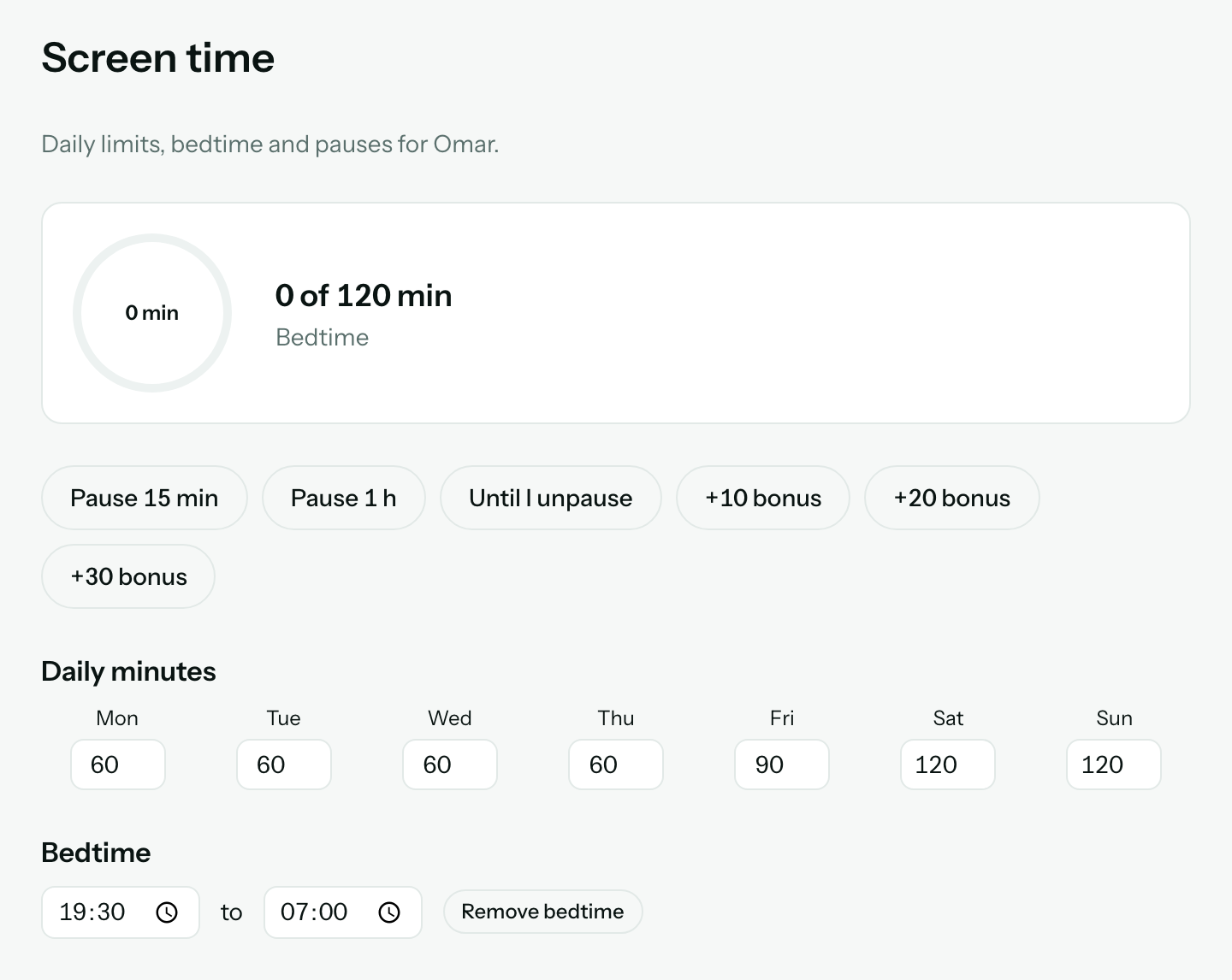
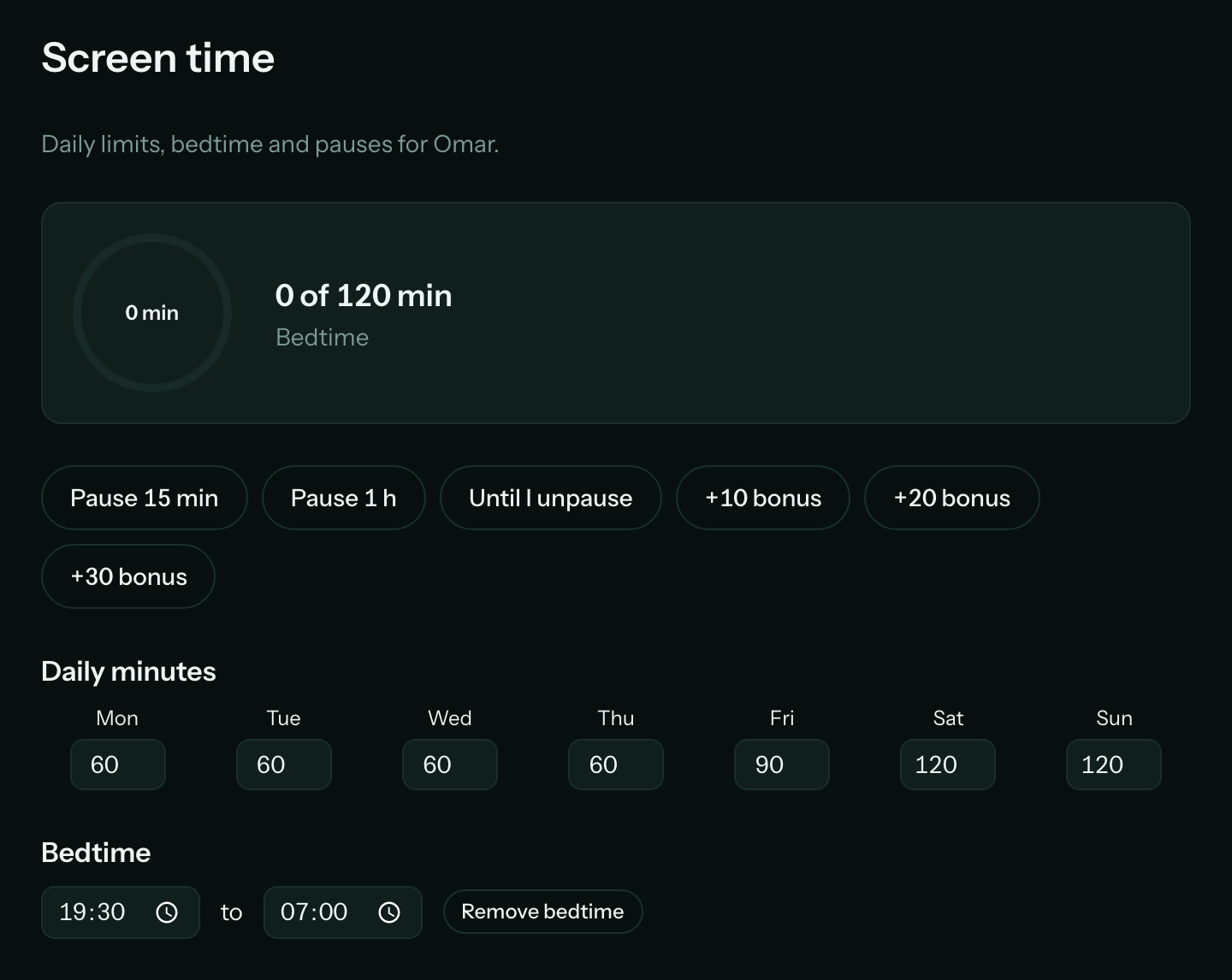
    The Screen time page for Omar: 0 of 120 minutes used, pause buttons, daily minutes from Monday to Sunday, and a bedtime from 19:30 to 07:00. The Screen time page for Omar: 0 of 120 minutes used, pause buttons, daily minutes from Monday to Sunday, and a bedtime from 19:30 to 07:00.
  3. Choose how far each child can search

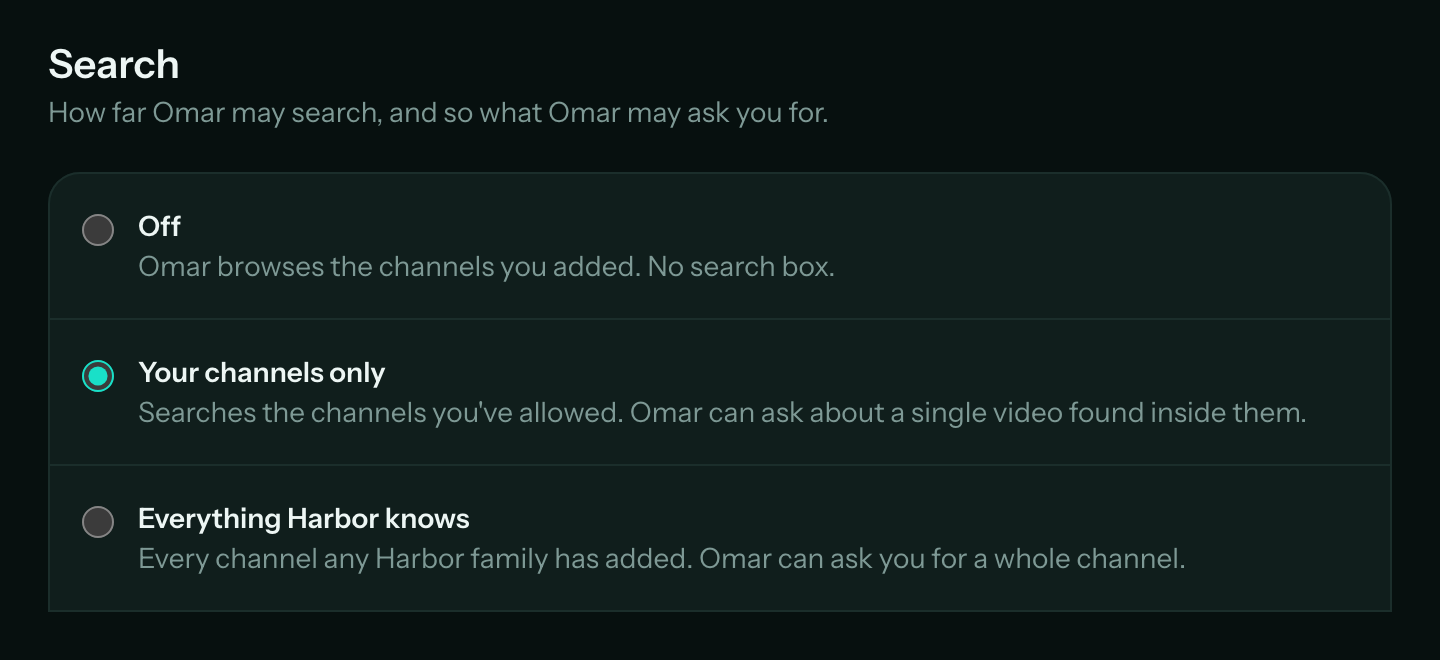
    No search box, only the channels you’ve allowed, or every channel SlopGuard families have added.
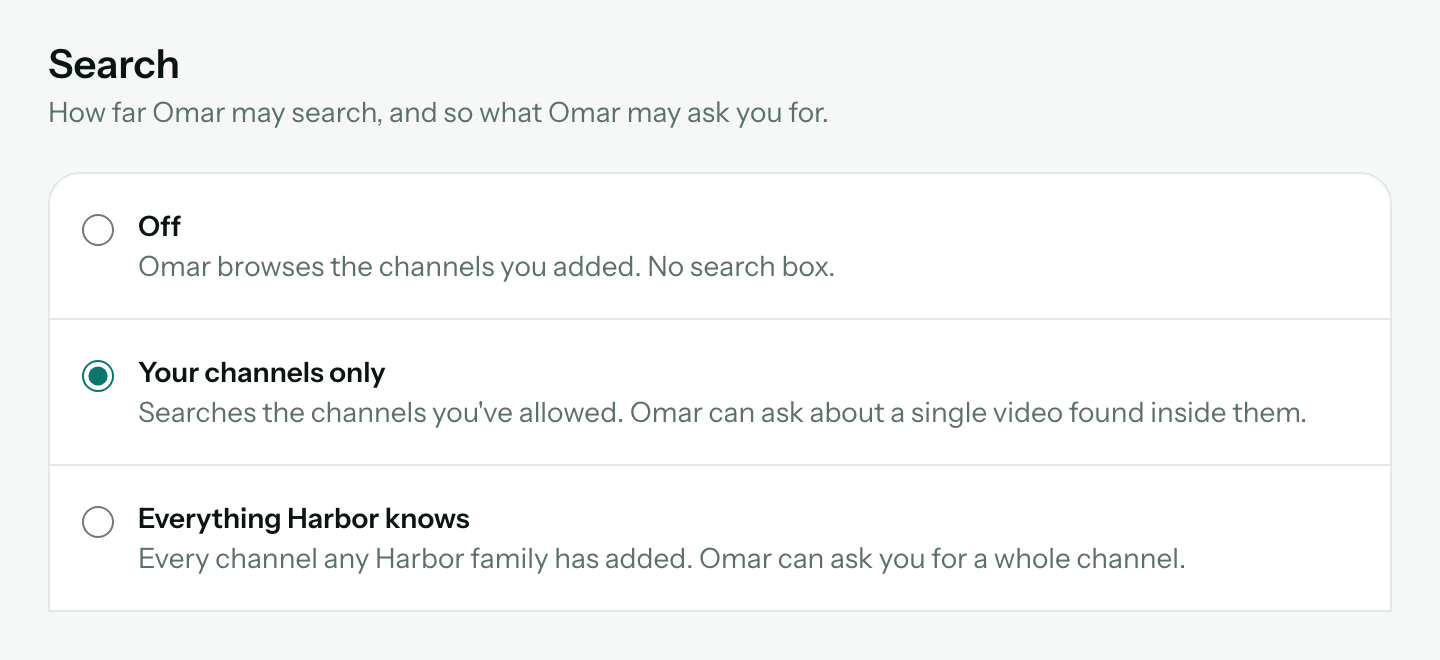
    The Search page for Omar with three choices: Off, Your channels only (selected), and Everything SlopGuard knows. The Search page for Omar with three choices: Off, Your channels only (selected), and Everything SlopGuard knows.
  4. Share it, and see who changed what

    Invite a co-parent or a caregiver. Every change is logged with who made it, and the log can’t be edited.
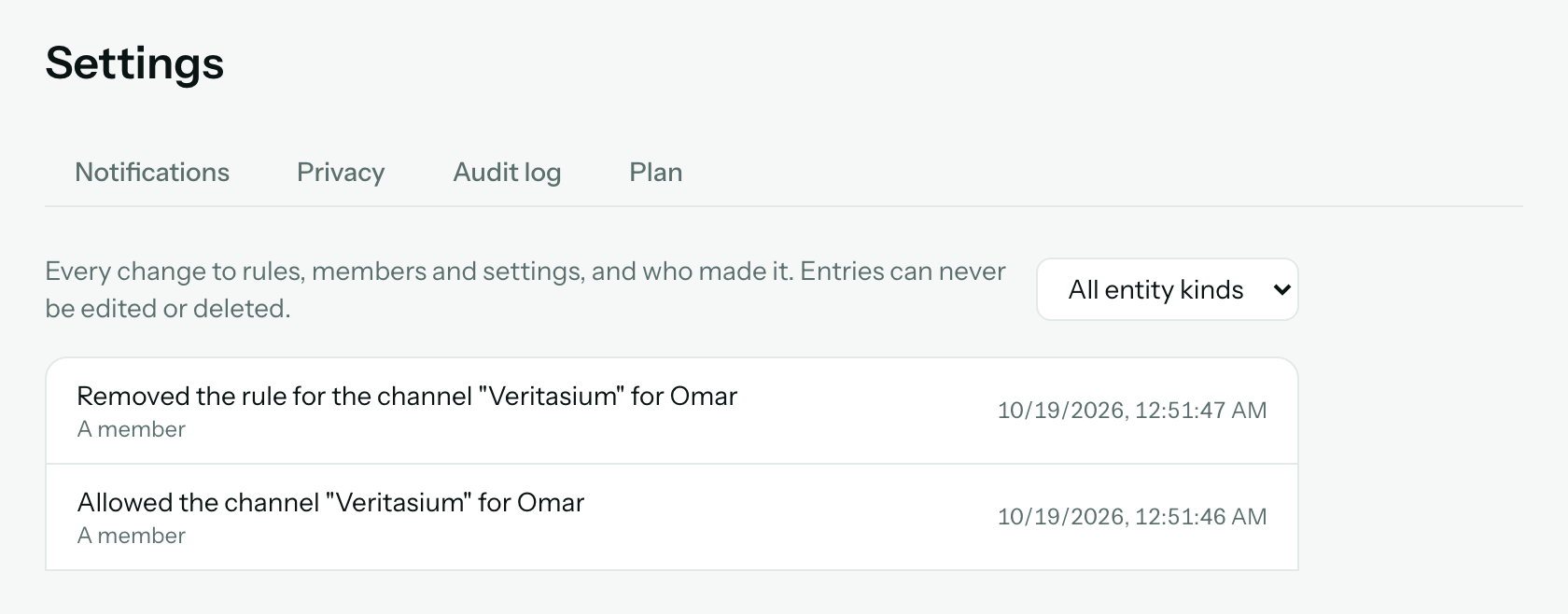
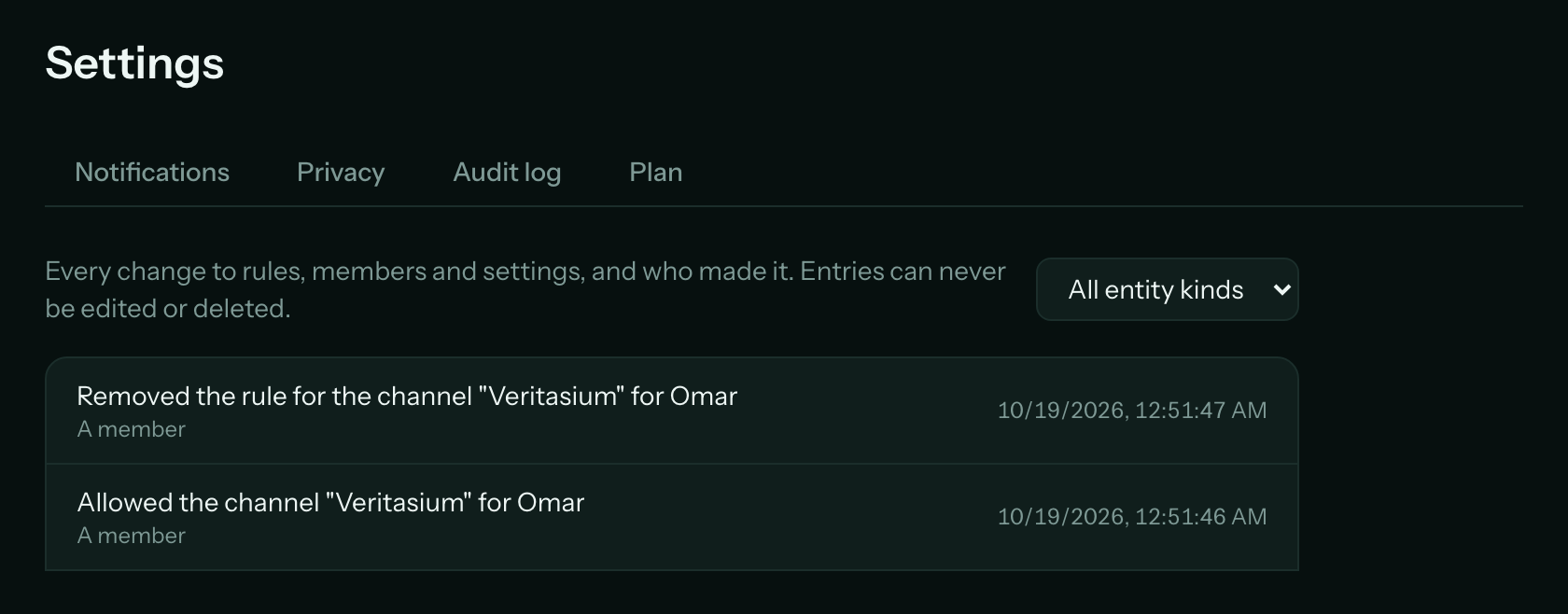
    The audit log in Settings listing channel rules allowed and removed for Omar, each with the member who made the change and the time. The audit log in Settings listing channel rules allowed and removed for Omar, each with the member who made the change and the time.

What if they want something else?

  1. They ask

    Your child taps Ask a grown-up. Teenagers see Ask to watch.

  2. It waits for you

    The request appears in your SlopGuard app and the parent console.

  3. You decide

    Allow once Allow always Not now

    Or allow the one video, not the whole channel.
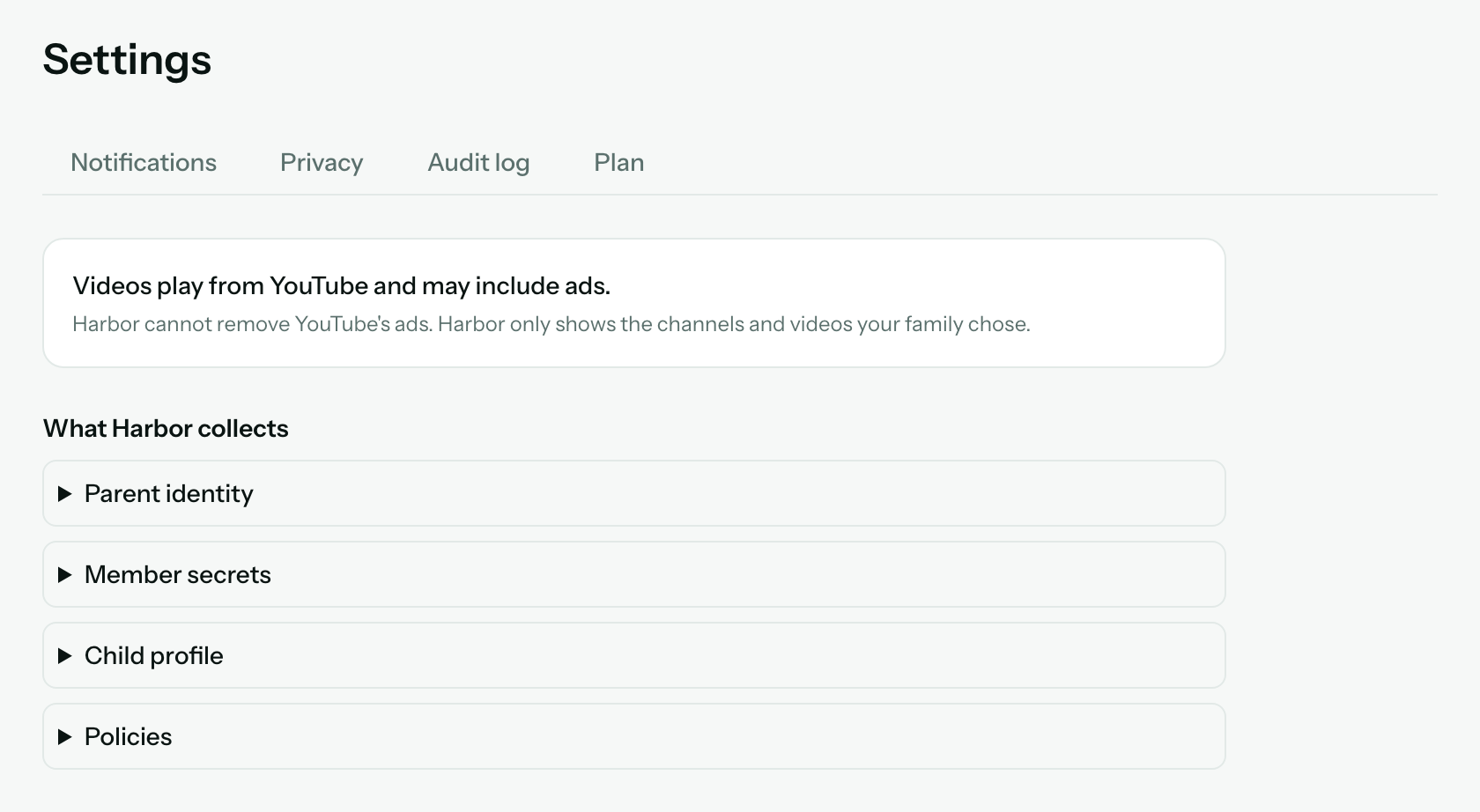
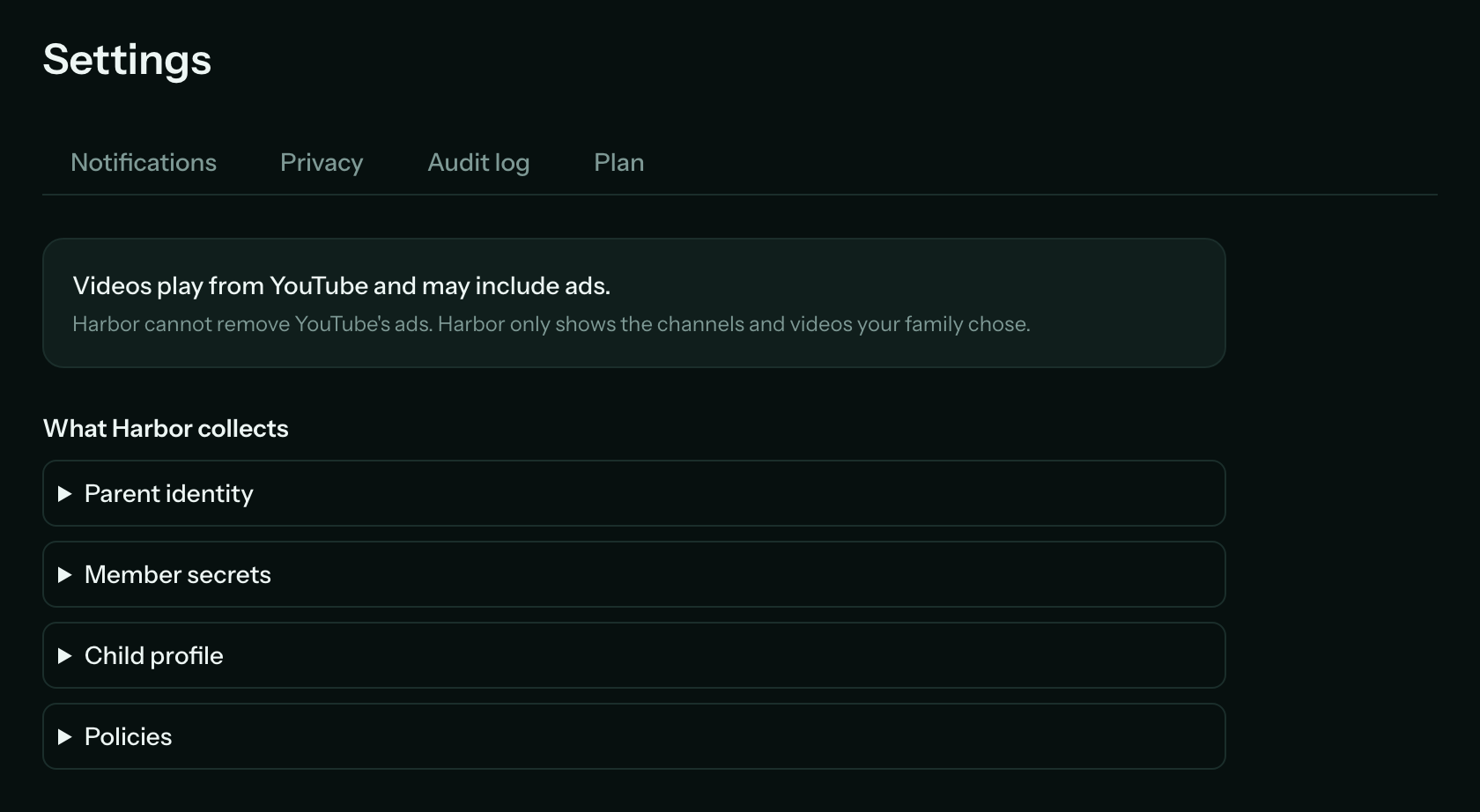
The Privacy page in Settings. A card reads: Videos play from YouTube and may include ads. SlopGuard cannot remove YouTube’s ads. Below it, the list of what SlopGuard collects. The Privacy page in Settings. A card reads: Videos play from YouTube and may include ads. SlopGuard cannot remove YouTube’s ads. Below it, the list of what SlopGuard collects.
The same words sit in the app’s privacy settings.

Will my child see ads?

They may. Videos play in YouTube’s own player, and YouTube may show ads before or during them. SlopGuard can’t remove them.

What about data, cost and devices?

What does SlopGuard keep?
What your child watched and asked for, for 90 days unless you change it. Never used for advertising.
Can it promise nothing unsuitable appears?
No. It plays only your child’s list, and a channel can upload something new.
What does it cost?
SlopGuard isn’t charging during the pilot.
Which devices?
The parent console runs in a browser. Phone and tablet apps: devices to be confirmed.

Can we join the pilot?

SlopGuard is in an invite-only pilot. Places are for families in Ireland to start, and open as places allow.

If you’re elsewhere, ask anyway and you’ll hear when that changes.